Quick Start Guide for AI Trade Ideas (aitradeideas.com)
Published · Updated
AI Trade Ideas is an AI-powered trading platform that specializes in rapid chart analysis. It uses advanced AI to generate trade ideas by analyzing uploaded chart screenshots or TradingView links in about 15 seconds. The tool identifies patterns, trends, support/resistance levels, entry points, stop losses, take-profit targets, and risk/reward ratios. It supports multiple asset classes, including Forex, Cryptocurrency, Stocks, and Indices.
The dashboard (https://www.aitradeideas.com/dashboard) is the main user interface, but it requires logging in to access full features. Without an account, you'll likely see a login prompt or limited view.
Step 1: Create an Account and Log In
Visit the homepage: https://www.aitradeideas.com/
Look for a "Sign Up," "Register," or "Get Started" button (common on similar platforms; if not visible, it may prompt during analysis attempts).
Provide your email, create a password, and complete any verification.
Once registered, log in to access the dashboard.
Note: The site may offer free trials, limited free analyses, or paid subscriptions for unlimited use. Check the homepage or FAQ for current plans (details like pricing aren't prominently listed but are typically subscription-based).
Step 2: Navigate to the Dashboard
After logging in, you'll be directed to (or click the link for) https://www.aitradeideas.com/dashboard.
The dashboard is your central hub for uploading charts, viewing analyses, managing past trades, and accessing tools.
Step 3: Generate Your First AI Trade Idea (Core Workflow)
The platform's primary feature is fast AI chart analysis. Here's the in-depth process:
Prepare Your Chart:
Use TradingView (recommended for compatibility) or any charting tool to view your desired asset (e.g., EUR/USD for Forex, BTC/USD for Crypto, AAPL for Stocks).
Focus on a clear timeframe (e.g., 1H, 4H, Daily) showing relevant price action, candles, and any indicators you use.
Upload or Input the Chart:
On the dashboard, find the upload section (likely a prominent button like "Upload Chart," "Analyze Chart," or "New Analysis").
Options:
Screenshot Upload: Take a screenshot of your chart (ensure it includes price scales, time axis, and candles clearly). Drag-and-drop or browse to upload the image file (PNG/JPG recommended).
TradingView Link: Paste a public or shared TradingView chart link for direct integration.
Start the Analysis:
Click "Analyze" or "Generate Ideas."
The AI processes the chart in ~45 seconds (it detects patterns like trends, channels, wedges, head-and-shoulders; identifies support/resistance; and suggests trades).
Review the Results:
The AI output typically includes:
Trade Direction: Bullish (long) or Bearish (short) ideas.
Entry Point: Precise price level to enter the trade.
Stop Loss (SL): Protective level to limit losses.
Take-Profit Targets (TP): Multiple levels (e.g., TP1, TP2, TP3) for partial or full exits.
Risk/Reward Ratio: Automatic calculation (e.g., 1:2 or better).
Pattern Explanation: Description of detected setups (e.g., "Breakout from ascending triangle with support at X").
Confidence/Probability: Some indication of strength.
Visuals: Annotated chart with drawings (lines for SL/TP, arrows for entry).
Act on the Idea:
Copy details to your broker platform.
Calculate position size using built-in risk management tools (if available: input account size and risk % for suggested lot/share size).
Step 4: Explore Additional Features
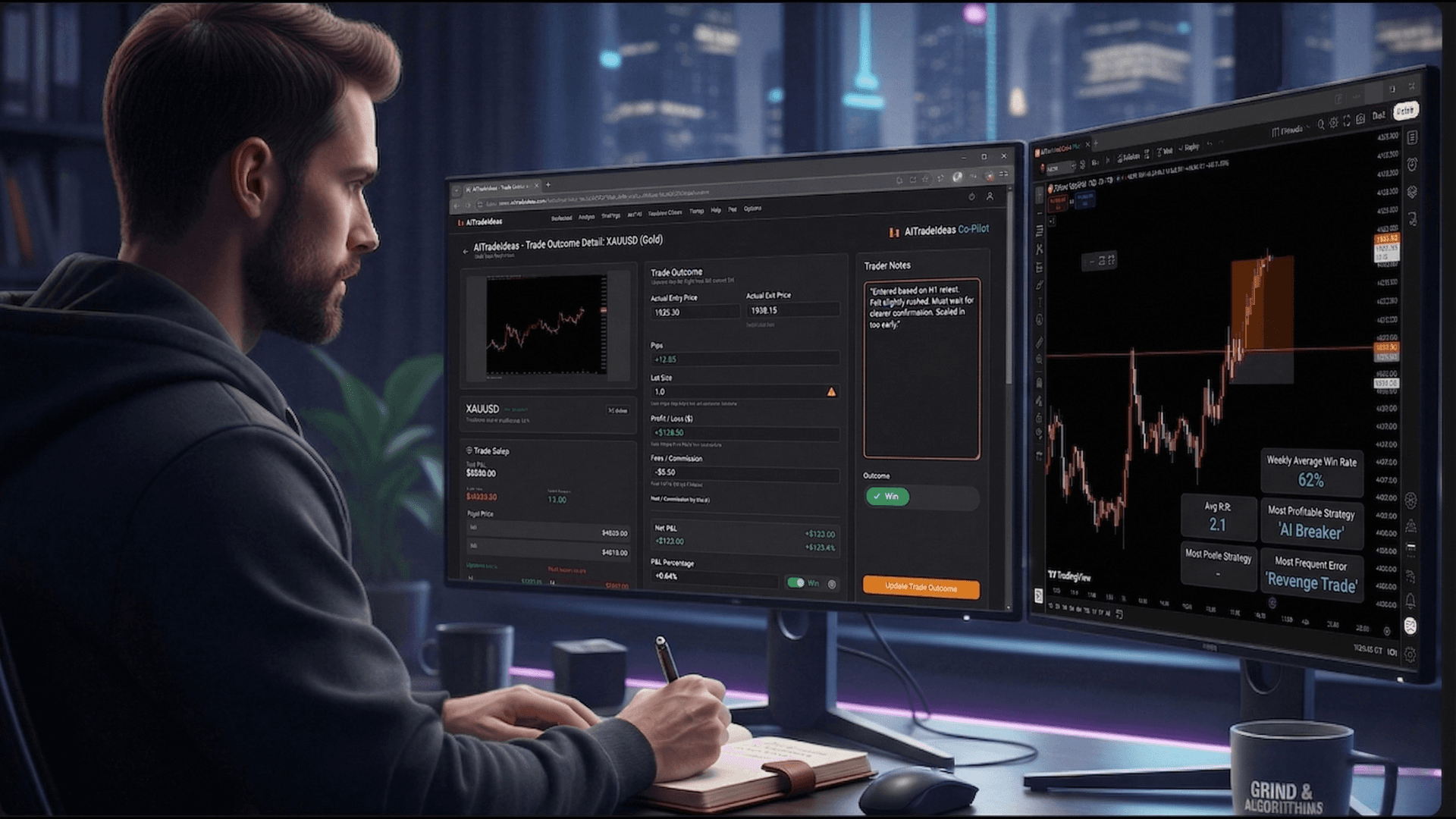
Trade Journal:
Dashboard section to save analyses.
Track past ideas: Mark as win/loss, add notes, review performance stats (win rate, average R:R).
Helps refine your strategy over time.
Interactive Charts:
Built-in TradingView integration for real-time data.
Advanced drawing tools, indicators, and multi-chart layouts.
Risk Management Tools:
Auto-calculations for position sizing.
Recommendations based on account risk (e.g., 1-2% per trade).
History and Watchlist:
View previous analyses.
Possibly create watchlists for frequent assets.
Multi-Asset Support:
Switch between Forex pairs, Crypto, Stocks, Indices seamlessly.
Step 5: Best Practices for Effective Use
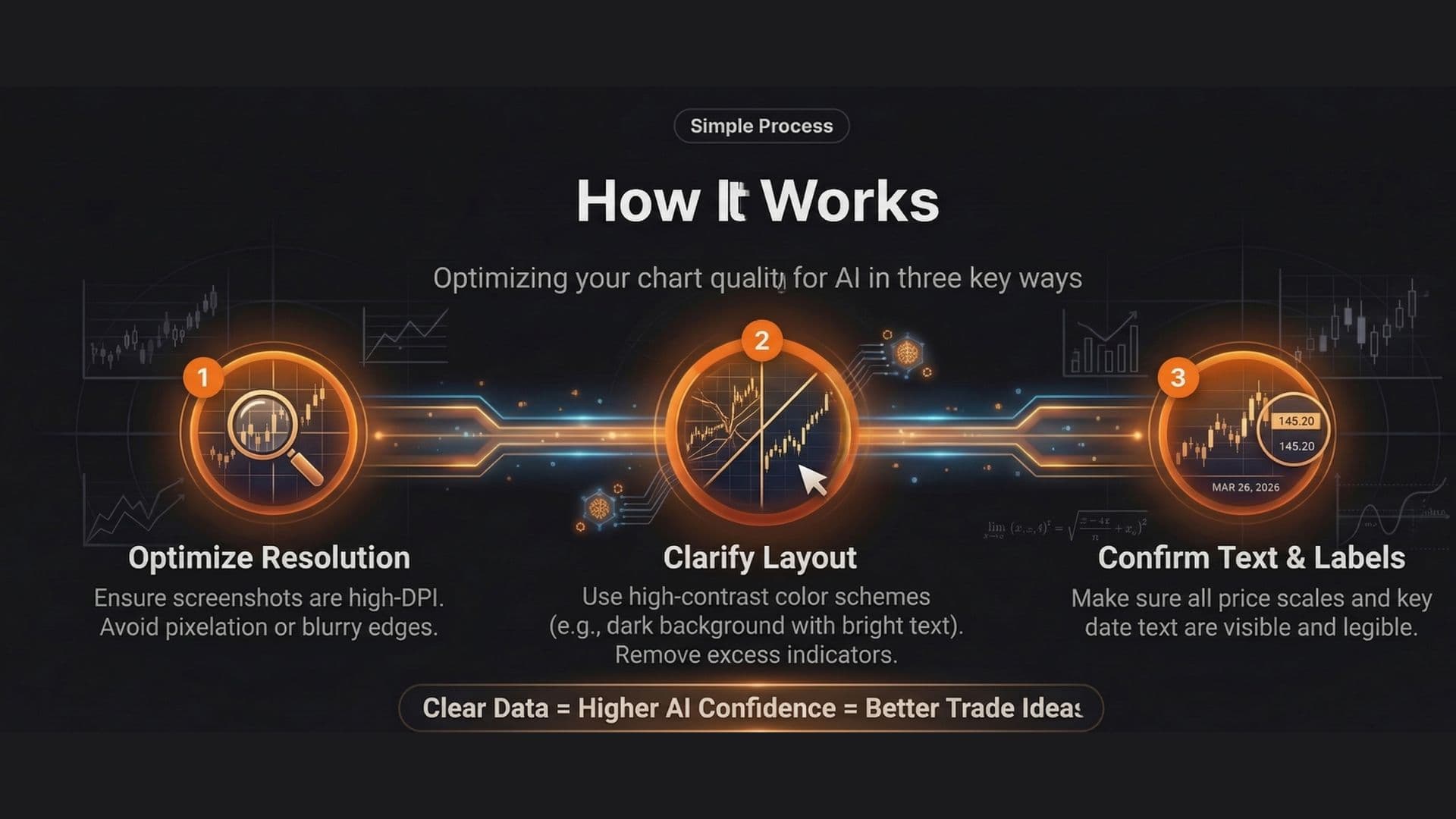
Chart Quality: Clear, high-resolution screenshots without clutter (hide unnecessary indicators if possible).
Timeframes: AI performs best on higher timeframes (4H+) for swing trades; test intraday for shorter setups.
Combine with Your Analysis: Use AI ideas as a second opinion—verify with your strategy, news, or fundamentals.
Journal Everything: Log trades to see how AI performs with your style.
Limitations: AI isn't infallible—markets are probabilistic. Backtest ideas manually if possible.
Support/Resources: Check the FAQ (/faq on homepage) for tips. Contact support via email/form if needed.
Tips for New Users
Start with free/limited analyses to test (if offered).
Focus on one asset class initially (e.g., major Forex pairs like EUR/USD).
Experiment: Upload the same chart with slight variations to see how AI interprets.
For advanced use: Save strong-performing setups and revisit patterns the AI frequently identifies.
This platform is designed for speed and simplicity, making it ideal for traders wanting quick, professional-grade insights without manual pattern hunting. If you encounter login issues or need specific feature details, check the site's FAQ or contact their support. Happy trading!